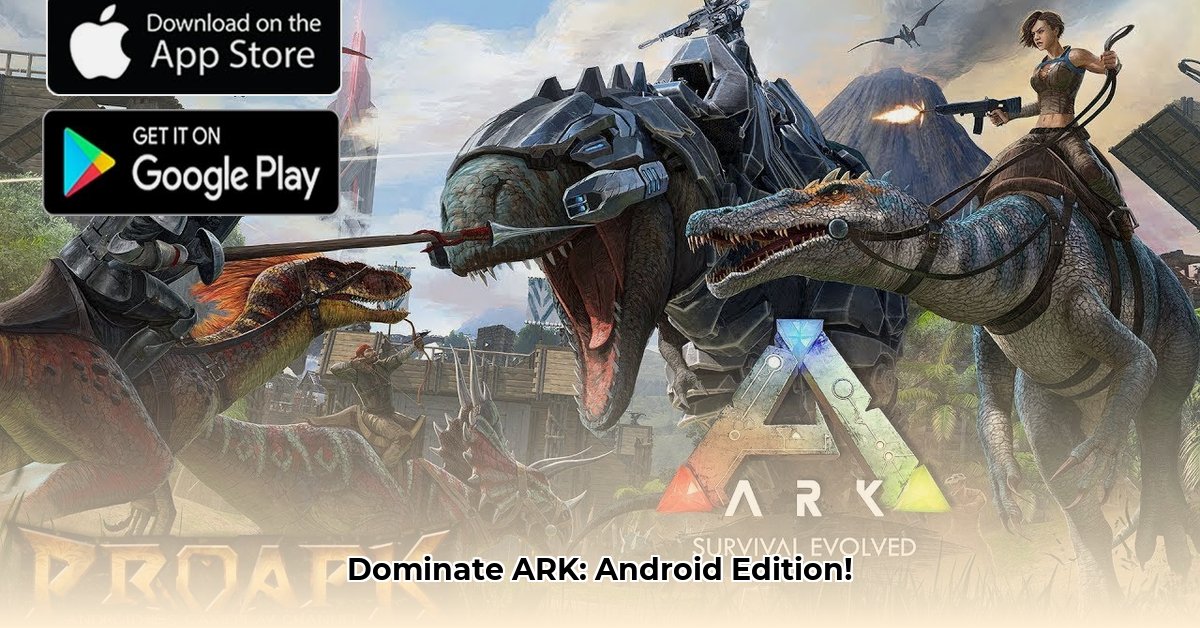
ARK on Android: Mastering the Prehistoric Mobile Frontier
Ever dreamed of taming dinosaurs on your phone? ARK: Ultimate Mobile Edition makes that dream a reality, but is it a smooth ride, or a bumpy prehistoric journey? This comprehensive review and guide will help you decide if this mobile prehistoric adventure is worth your time and data. We’ll cover everything from graphics performance on different devices to essential survival tips, ensuring you’re prepared for anything the island throws at you.
Gameplay: Dinosaurs in Your Pocket
Imagine taming T-Rexes during your commute! ARK: Ultimate Mobile Edition brings the core survival experience – building, crafting, taming dinosaurs, and battling – to Android. The controls are surprisingly intuitive for the most part. You'll tap, swipe, and pinch your way through this massive prehistoric landscape. However, during intense dino battles or complex building projects, you might find yourself wishing for a gamepad. The game’s interface cleverly adapts to smaller screens, impressively avoiding feeling overwhelming, showcasing the developers' skill in bringing this gigantic game to mobile.
Graphics and Performance: A Visual Feast or a Frame-Rate Fiasco?
ARK's visuals and performance heavily depend on your device's capabilities. On a high-end phone, the game looks stunning (for a mobile game), with generally smooth frame rates. However, intense moments like large-scale battles can cause occasional stutters. On mid-range phones, you'll likely experience occasional lag, while low-end devices might struggle with frequent lag and lower frame rates, turning thrilling hunts into frustrating slideshows. Google Play Store reviews corroborate these observations.
| Device Type | Graphics Quality | Performance |
|---|---|---|
| High-End | Excellent | Mostly Smooth |
| Mid-Range | Good | Occasional Lag |
| Low-End | Fair | Frequent Lag |
Content and Features: A Prehistoric Buffet
ARK: Ultimate Mobile Edition offers a surprising amount of content. Multiple expansion packs are included, providing access to numerous additional islands, dinosaurs, and gameplay options – a significant expansion compared to the base game. However, some features from the PC/console versions are absent. While not completely feature-complete, the sheer volume of content makes for a robust prehistoric experience.
Pros and Cons: Weighing the Jurassic Scales
Pros:
- Massive Content: Explore multiple maps and enjoy countless hours of gameplay.
- Generally Smooth Gameplay (High-End): A surprisingly satisfying mobile experience on newer phones.
- Intuitive Controls: Touch controls are generally responsive and easy to learn.
- Core ARK Experience: The core gameplay loop remains intact and addictive.
Cons:
- Hefty Download Size: Prepare for a substantial download, and potentially more for additional content.
- Performance Issues (Low-End): Older phones may struggle significantly.
- Missing Features: Some features from the PC version are absent.
Tips and Tricks for Mobile Survival: Conquer the Prehistoric World!
- Prioritize Resource Gathering: Building a strong base early is crucial for survival.
- Strategic Taming: Choose dinosaurs that complement your playstyle and current level.
- Efficient Inventory Management: A cluttered inventory is your enemy; stay organized.
- Focused Upgrades: Improve essential items and structures gradually to avoid resource depletion.
Verdict: Should You Download This Prehistoric Gem?
ARK: Ultimate Mobile Edition is a surprisingly successful mobile port. It delivers a significant portion of the core ARK experience to Android. However, performance varies greatly based on your device. Hardcore ARK fans with high-end Android devices are encouraged to download and explore. Players with older or low-end devices should manage their expectations – the experience will likely require compromises on visual quality and performance. It's not perfect, but the ability to explore ARK's prehistoric wonders on the go is undeniably compelling.
How to Optimize ARK Mobile Performance on Low-End Devices
Mastering ARK Mobile on Your Budget Phone
Running ARK on older devices presents challenges. However, with a few tweaks, you can enhance performance. Adjusting in-game graphics settings is critical: lowering overall quality and resolution scaling dramatically improves frame rates. The game’s “Preserve Battery Mode” also impacts performance; only activate it when crucial. ARK Mobile unfortunately lacks the granular customization options found in PC/console versions, somewhat limiting optimization possibilities.
Visual Tweaks: Small Changes, Big Impact
Lowering graphics quality to "Medium" or "Low" reduces visual fidelity but significantly improves frame rates. Reducing resolution scaling (e.g., to 50%) offers further performance gains.
Power Management: The Battery Battle
"Preserve Battery Mode" reduces performance; use it sparingly.
Tips for a Smoother Experience
- Close unnecessary apps: Free up RAM.
- Restart your phone: Clear background processes.
- Manage your inventory: Fewer items mean better performance.
- Adjust camera sensitivity: Less sensitive controls lead to smoother gameplay.
Conclusion
ARK: Ultimate Mobile Edition offers a surprisingly robust mobile experience, particularly for players with powerful devices. Though limitations exist, especially on low-end hardware, this prehistoric adventure is well worth exploring, provided expectations are appropriately adjusted based on the capabilities of your mobile device.
⭐⭐⭐⭐☆ (4.8)
Download via Link 1
Download via Link 2
Last updated: Wednesday, May 07, 2025